Provider configuration and caching
Provider defaults and league preferences supply the initial workspace. Update controls allow requests to be paused, and cached information remains available when a provider allowance is exhausted.
Sports tracking & analysis
A sports workspace for provider data, league preferences, saved slips, recorded activity and analysis, with practice credits kept separate.
Overview
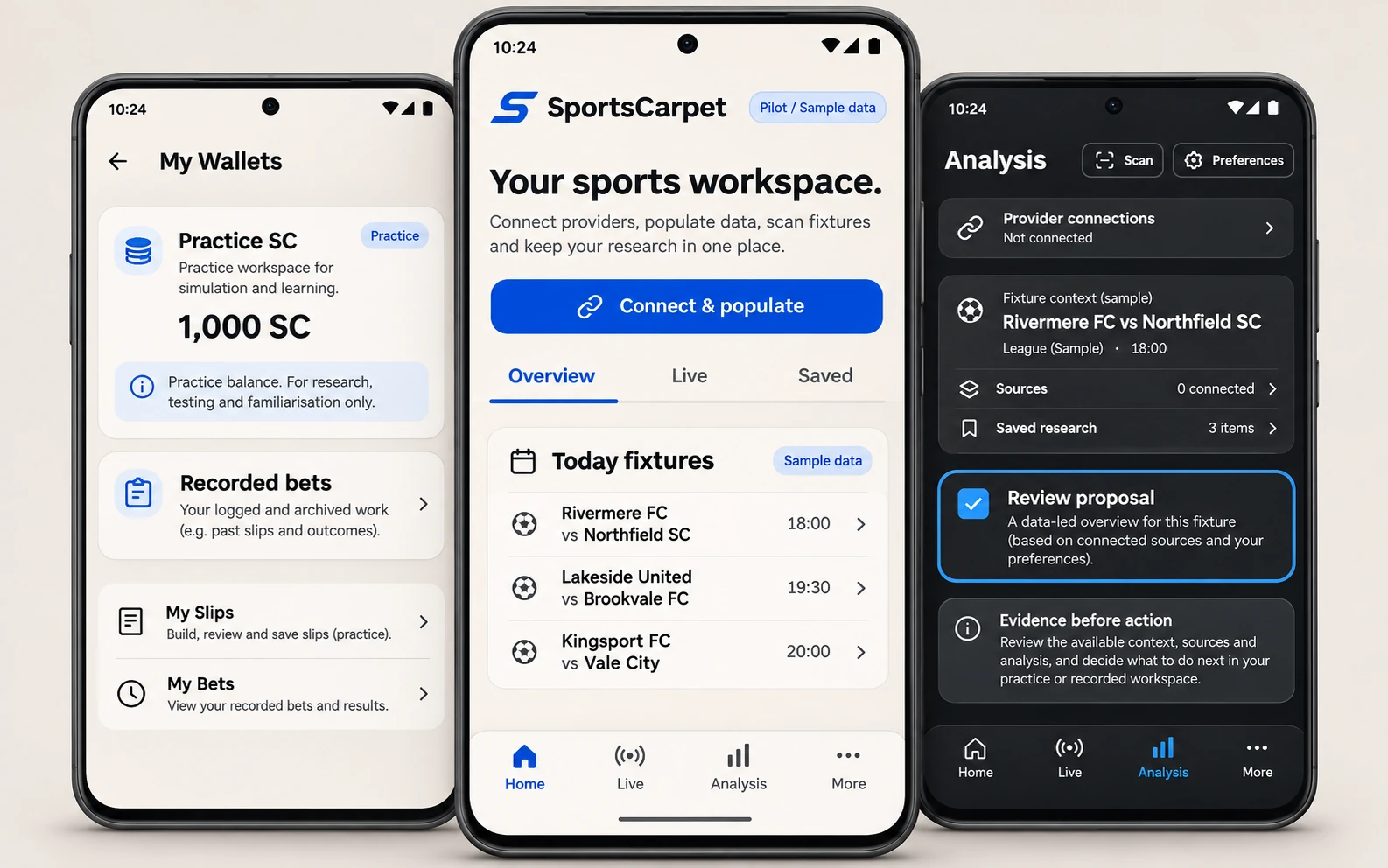
SportsCarpet is a locally tested pilot for following sports information, connecting providers, organising saved slips and recorded activity, scanning inputs and reviewing analysis. Practice SC balances and recorded bets stay separate. The pilot also includes league preferences, cached provider data and controls over updates.
Engineering contribution
Technical details
Connected sports data, reviewable analysis and separate records, with explicit readiness checks at each step.
Provider defaults and league preferences supply the initial workspace. Update controls allow requests to be paused, and cached information remains available when a provider allowance is exhausted.
My Wallets, My Slips, My Bets, Scan and My Analysis organise the application. Practice SC credits remain separate from recorded activity and its history.
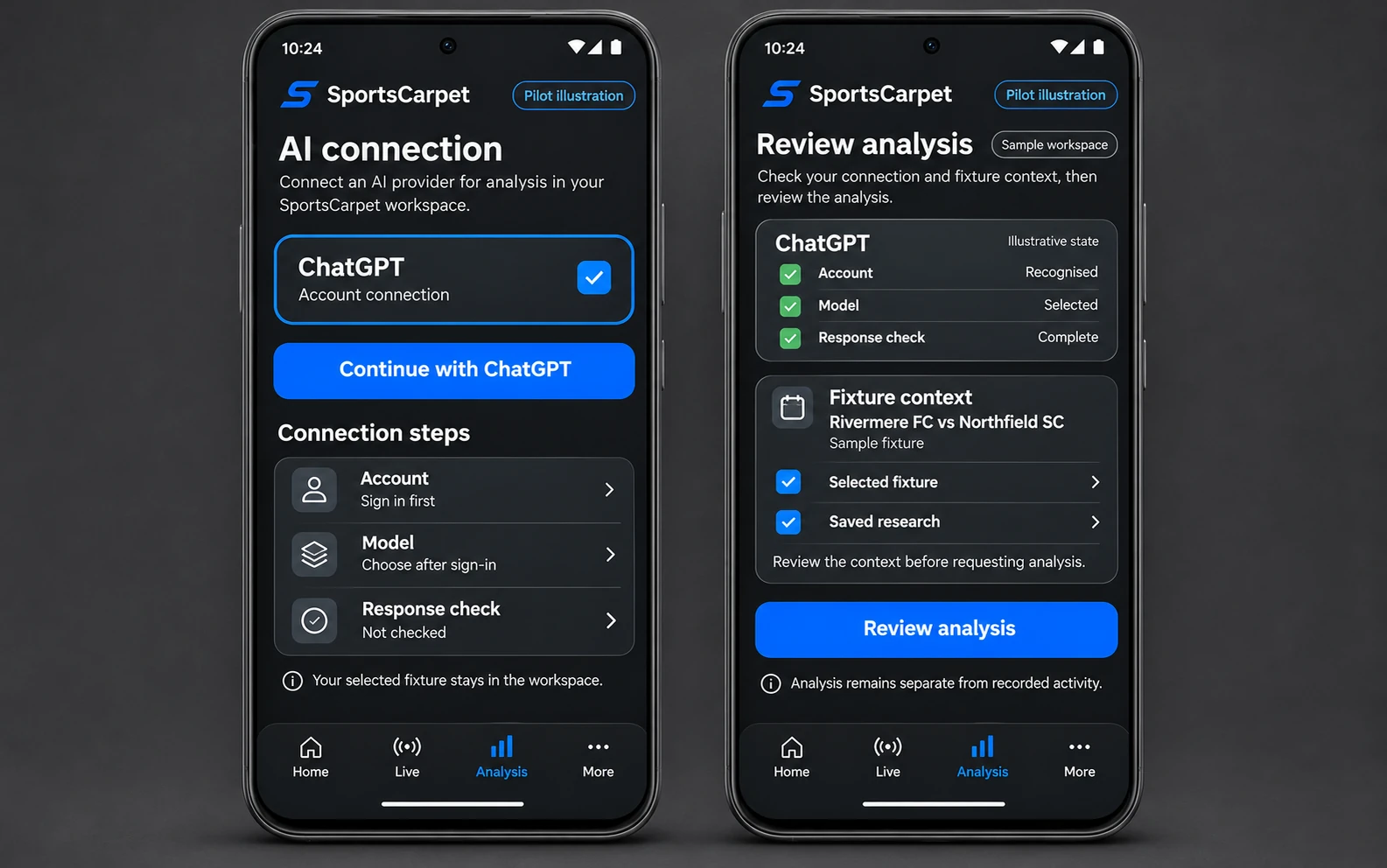
Assistant connections check the available account, model and capabilities. Structured proposals keep evidence visible and do not write directly into the application ledger.
Workflow
Choose a provider, account and model.
Review the fixture and source information.
Receive a structured assistant response.
Decide what belongs in the workspace.
Proposals do not write directly into the ledger. Practice credits stay separate from recorded activity.
In the pilot, the connection workflow prepares the account, model and source context before an analysis request. The user reviews the result before keeping it.
Verification
AI-assisted implementation is checked through state-transition tests and screen walkthroughs before a pilot release.
Resources
SportsCarpet is a pilot. The visual is a reconstructed presentation with sample data; contact me to discuss its architecture or a demonstration.
Emmanuel Mmanda
Find a published answer or ask Emmanuel directly.
Loading questions…
Need a more specific answer?
No questions yet. Browse the library to start.
Loading published answer…
Leave a comment