ChatGPT sign-in and sessions
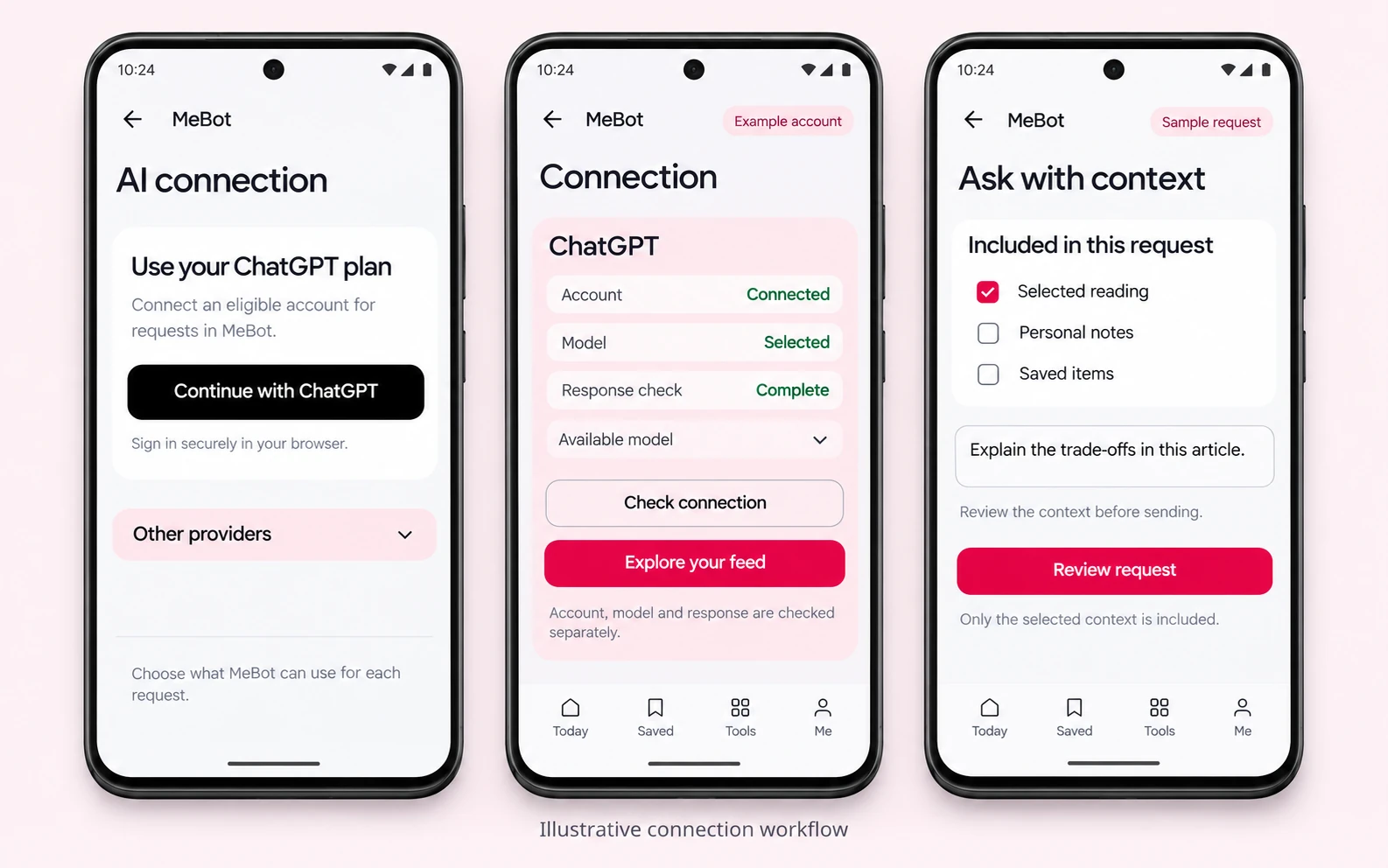
Browser consent returns to a renewable account session. Account recognition, model discovery and a completed response are separate checks, so sign-in alone is never presented as a working connection.
Android application
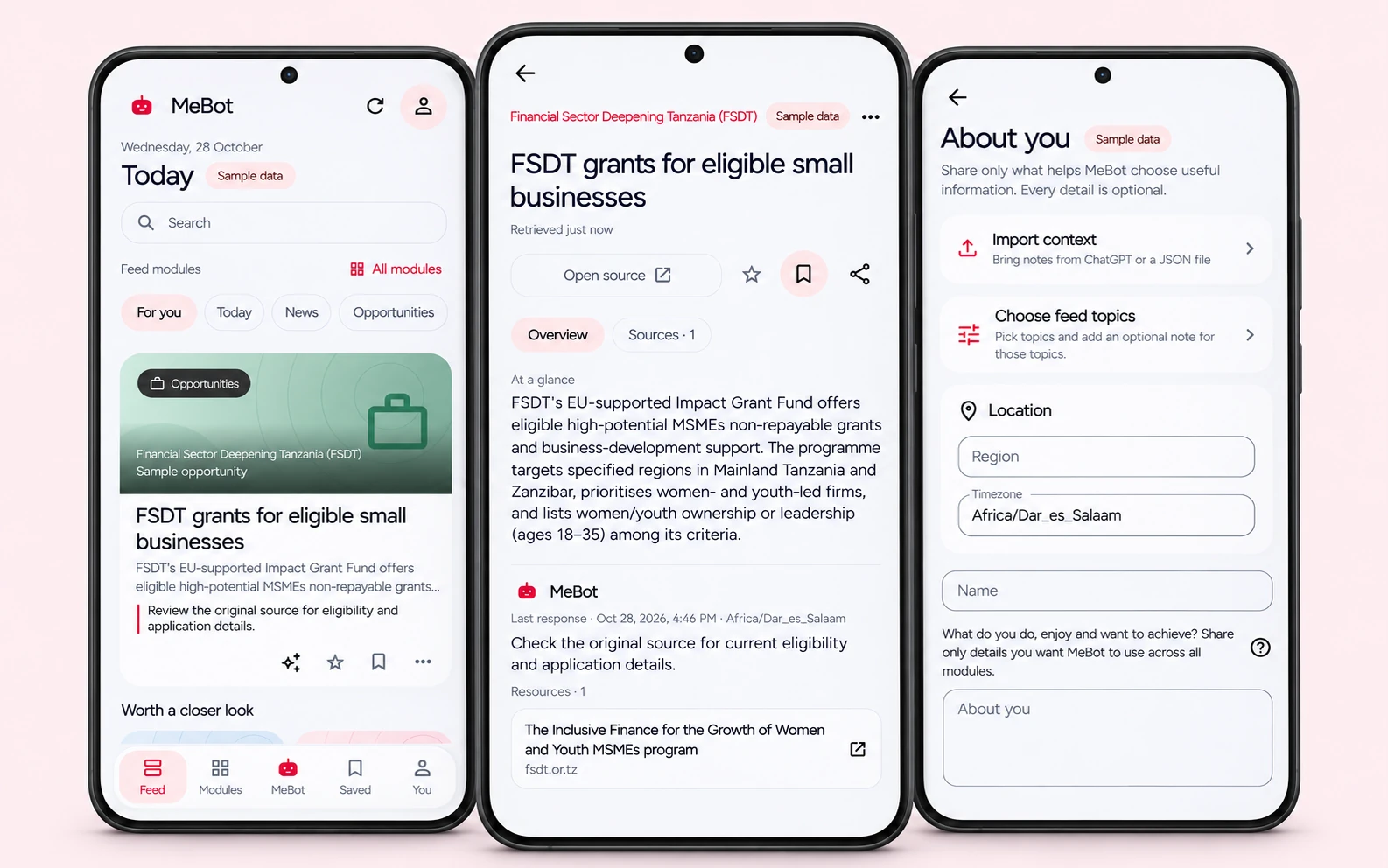
An Android reading and daily-tools workspace with ChatGPT sign-in, optional AI providers and editable personal context.
Overview
MeBot brings a tailored feed, saved reading and daily tools together. Users can connect ChatGPT or another supported provider, choose the context for a request and keep control over what is sent.
Engineering contribution
Technical details
Account sessions, model capabilities and selected user context are checked before requests are sent.
Browser consent returns to a renewable account session. Account recognition, model discovery and a completed response are separate checks, so sign-in alone is never presented as a working connection.
Users can select a supported provider or compatible private endpoint. A failed account request does not silently switch to a separately billed API connection.
The user chooses relevant context and reviews a question before sending it. Connecting an account does not import ChatGPT conversations or memory.
Workflow
Complete browser consent for the account.
Confirm the renewable account session.
Check models and available capabilities.
Complete a request with the chosen context.
A successful sign-in alone does not prove that responses work.
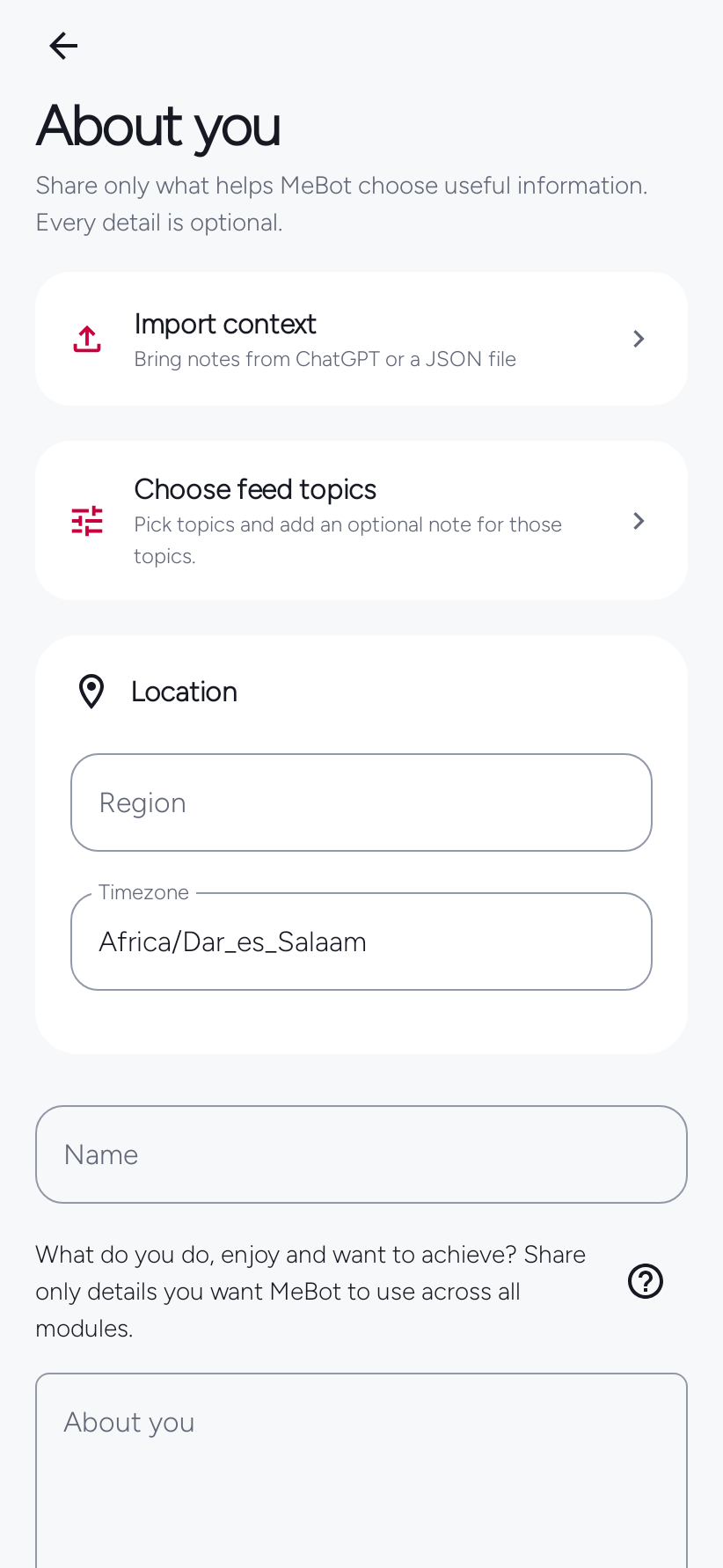
Set topics, language and optional context.
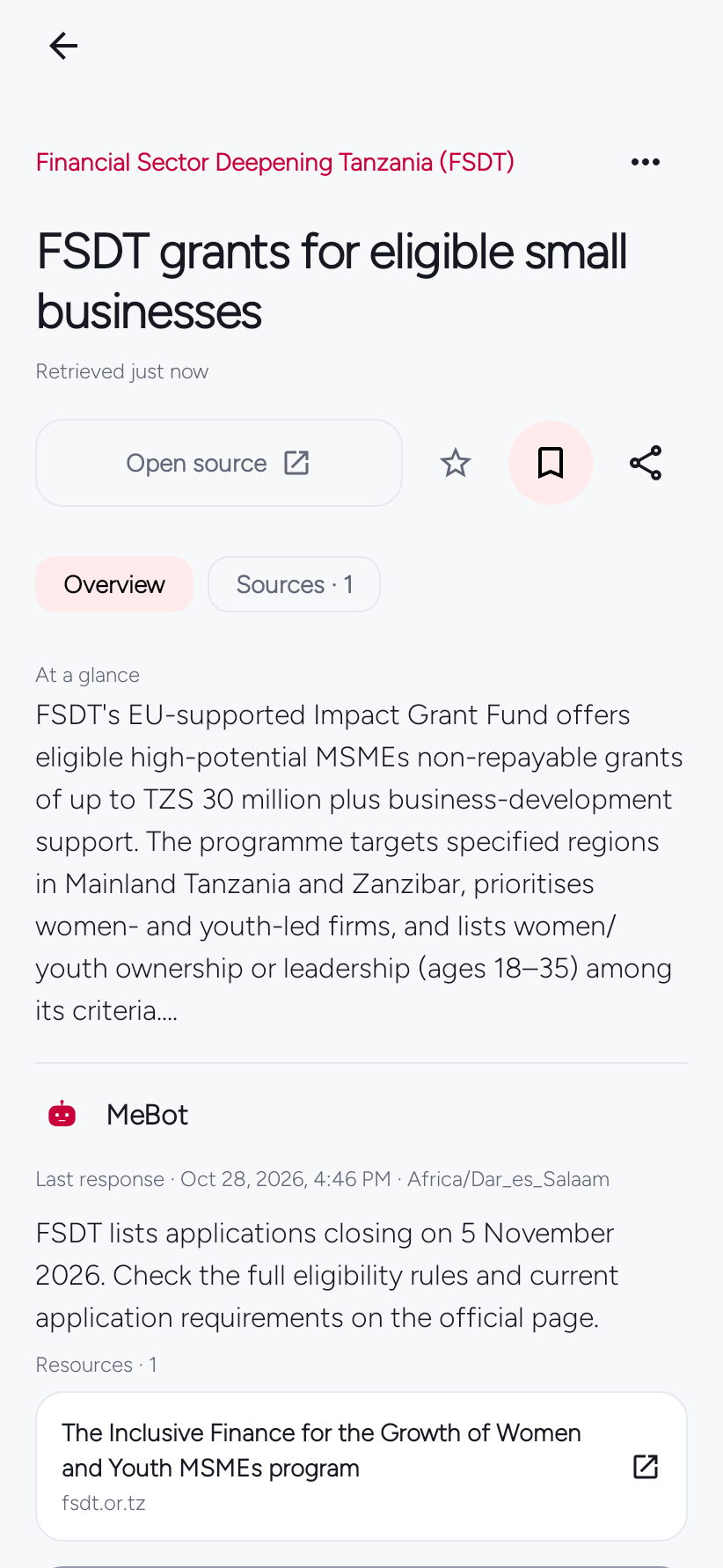
Open an item with its source information.
Keep useful reading for later.
Review the question and context before sending.
Connect an account, choose the available model and ask about selected app content. The answer starts with the context of what you are reading or doing.
Verification
I define connection states and expected behaviour before AI-assisted changes, then use targeted regression tests and release checks to verify them.
Resources
Emmanuel Mmanda
Find a published answer or ask Emmanuel directly.
Loading questions…
Need a more specific answer?
No questions yet. Browse the library to start.
Loading published answer…
Leave a comment